On this page
Guide 3 of 11
Write a Good Prompt
Your prompt is the idea for your film. The studio writes the whole script from it, so the more you tell it, the closer the film comes to what you pictured.
Say what it’s about
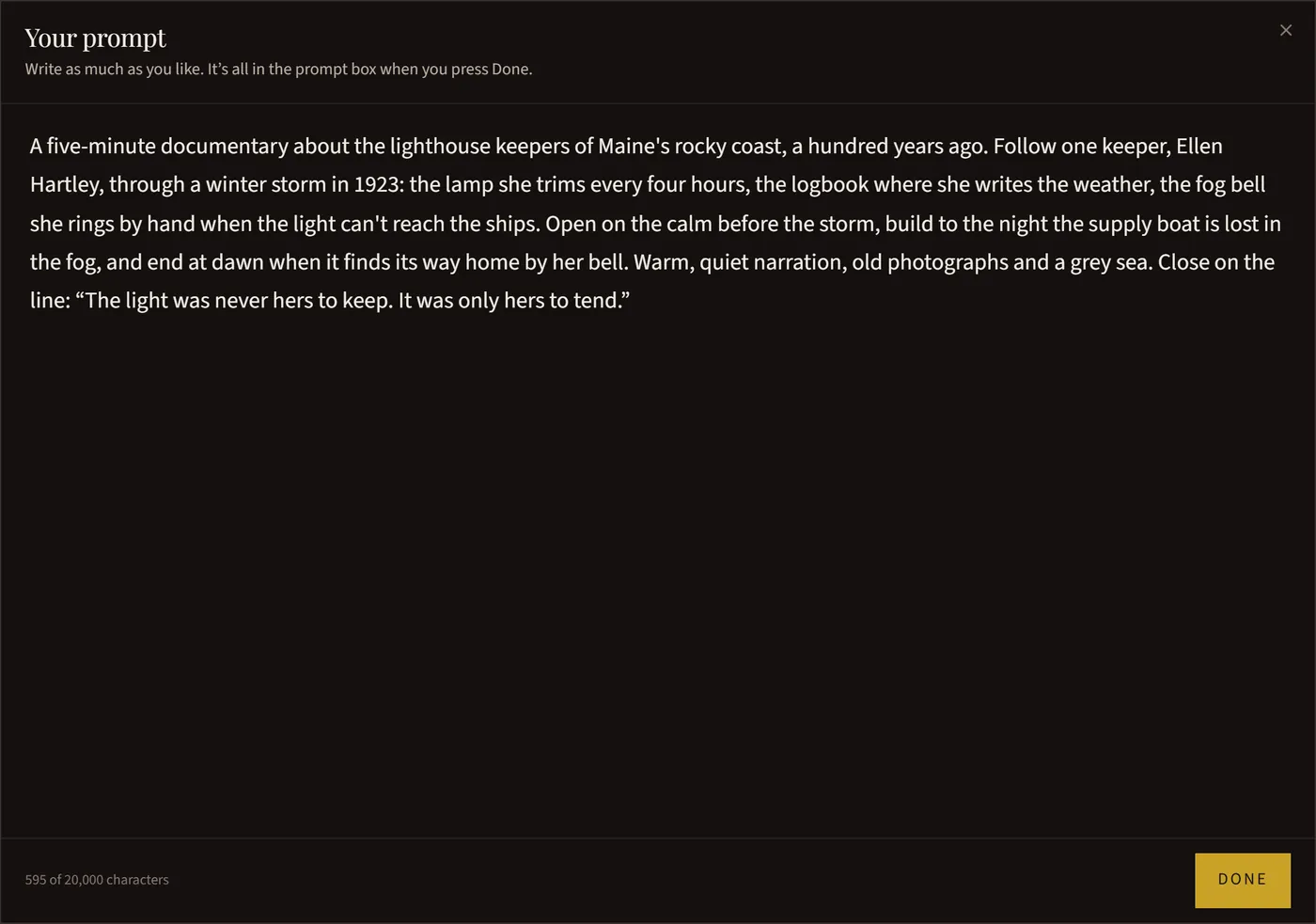
Describe your film in as much or as little detail as you like. “A two-minute piece on why the Thames used to freeze over, told from the ice fairs” works, and so does a full page, up to 20,000 characters. For a long one, the button in the box’s corner opens it in a full window. The studio fills in whatever you leave out.
Name the people and the places
If your film has characters, give each one a name, an age and a look: “Mina, 17, a bike courier in a yellow rain jacket.” Say where it happens and when.
Say what happens
For a story, give it a beginning, a middle and an end, or the moments you want to see. For a documentary or an explainer, list the points to cover, in order. Size it to the length: a minute has room for one or two moments, ten minutes for several chapters.
Describe the feel
Say how it should feel and look: “warm and quiet, evening light”, “fast and funny”, “like an old newspaper photograph”. A genre picked in the setup does much of this for you.
Write out any words that matter
If a line must be said or a title must appear, write it in quotes and say who says it: the narrator ends with “Every map lies a little.”
Ask for an exact length if you need one
The length you pick is a range the film aims to stay inside. To ask for an exact length, say it in your prompt. If your prompt needs more or less room than the length you picked, Roll it asks which you want.
Write in any language
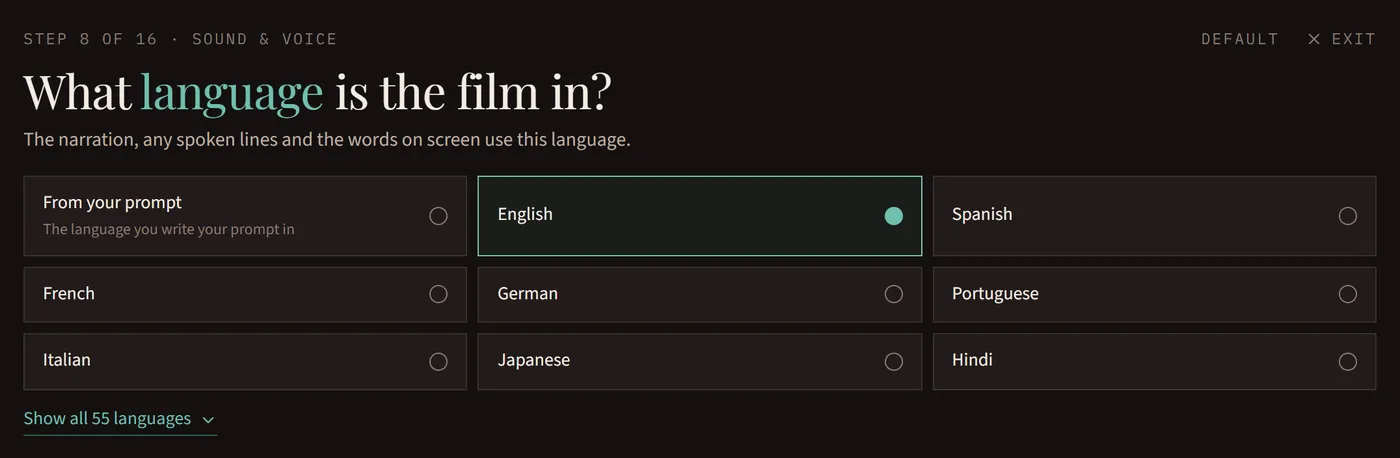
Write your prompt in any of the 55 languages we make films in. Choose From your prompt as the film’s language and it’s made in the language you wrote in, or the one your prompt asks for.
Stuck? Start from an idea
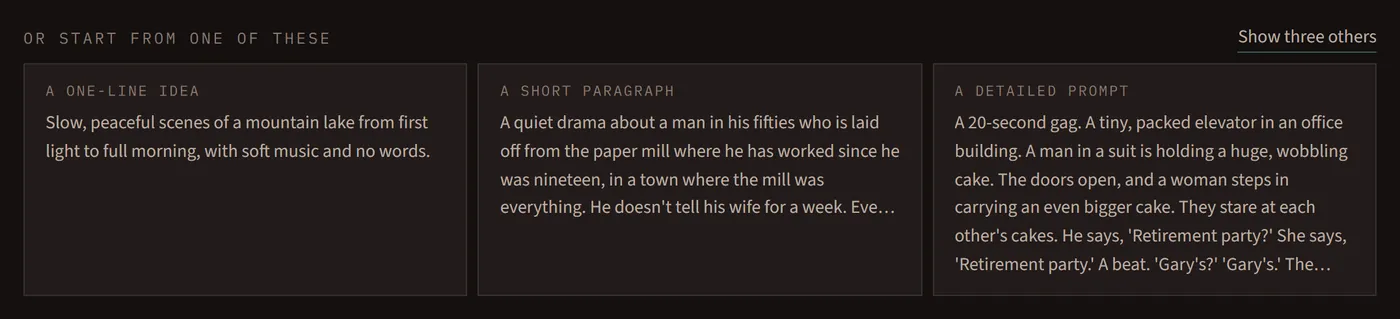
When you set a film up with Walk me through it or a preset, the last page offers three ideas to start from, and Show three others brings more.