Guides
Guides
Short, step-by-step guides to making films with Roll & Cut, from your first idea to the finished files. Each one takes a single task from start to finish.
Start here
- 01Make Your First FilmYour first film from start to finish: add credits, choose how to set it up and how it’s made, write your prompt, stop to check it if you like, press Roll it, then watch and download it.8 steps
- 02Set Up Your FilmEvery setting in plain words: how it’s made, the length, the frame, the sound, subtitles, cut points and the models.11 steps
- 03Write a Good PromptWhat to put in your prompt so the film comes out the way you picture it.8 steps
While it’s being made
- 04Review Your Film at a Cut PointCheck the script, the cast or the storyboard before the rest is made, then keep it or ask for changes.7 steps
- 05Paused or Stopped FilmsWhy a film stops before it’s done, and how to get it going again: waiting at a cut point, out of credits, shots that couldn’t be made, and stopped or canceled films.8 steps
Sound, words and files
- 06Voices and LanguagesPick the language your film is made in, listen to the voices, and choose who may be cast.6 steps
- 07Subtitles and Caption FilesWords drawn into the picture, and caption files viewers can switch on in their own language.7 steps
- 08Your DownloadsThe finished film, its separate tracks and its caption files: where to find them and how long they’re kept.6 steps
Your account
For developers
Already in the studio?
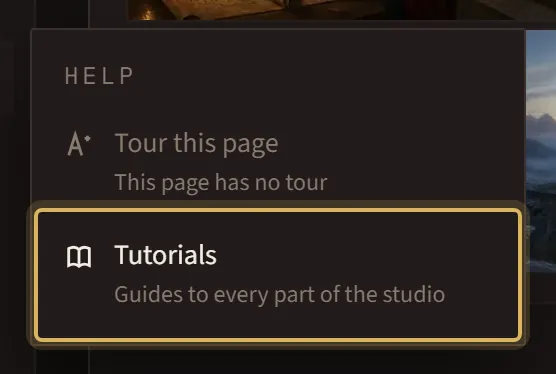
Open Help in the menu: Tour this page shows you around the page you’re on, and Tutorials brings you back here.
Building with code?
The API docs cover every request, with examples.