On this page
Guide 11 of 11
The API
The API does what the studio does, over the web: send a prompt, follow the film while it’s made, and download the files.
Confirm your email address
Keys and webhooks need a confirmed email address. If you haven’t yet, open the link we emailed you, or resend it from Settings.
Create a key
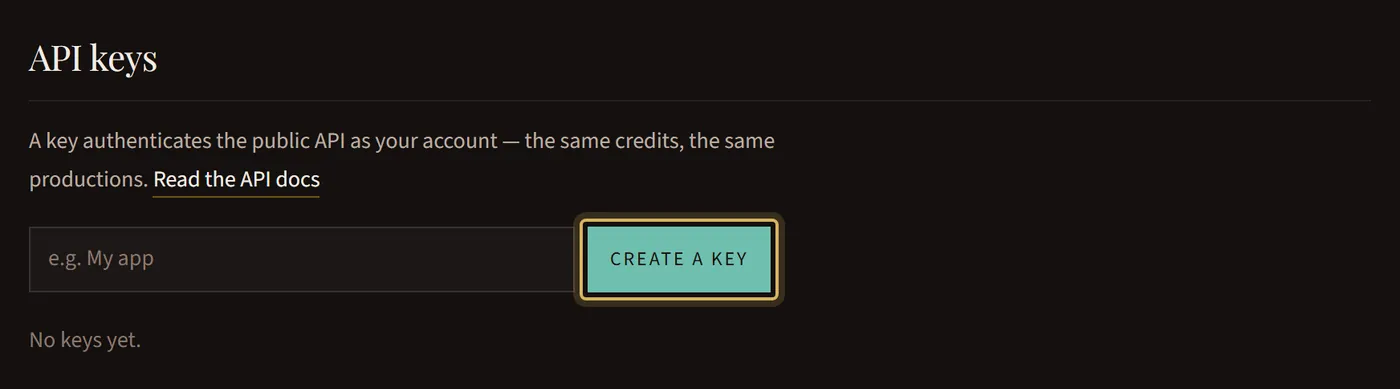
Open API keys, give the key a name and press Create a key. Copy it right away: it’s shown only once.
Read the API docs
The API docs explain every request, with examples in curl, JavaScript and Python.
Hear when a film is done
Add a webhook endpoint on the same page, and we tell your server when a film finishes, stops for you or fails. Its signing secret is shown once, like a key.
The same account
Films made through the API use your credit balance and appear in Productions like any other. A cut point is answered in the studio.
Keep keys safe
Keep a key on your server, never in a web page. If one leaks, press Revoke: anything using it stops working at once.