On this page
Guide 4 of 11
Review Your Film at a Cut Point
A cut point is a place your film stops, shows you what it has made so far, and waits for you. You turn them on when you set the film up. While a film waits, nothing is spending, and it holds for up to 14 days.
Find the films waiting for you
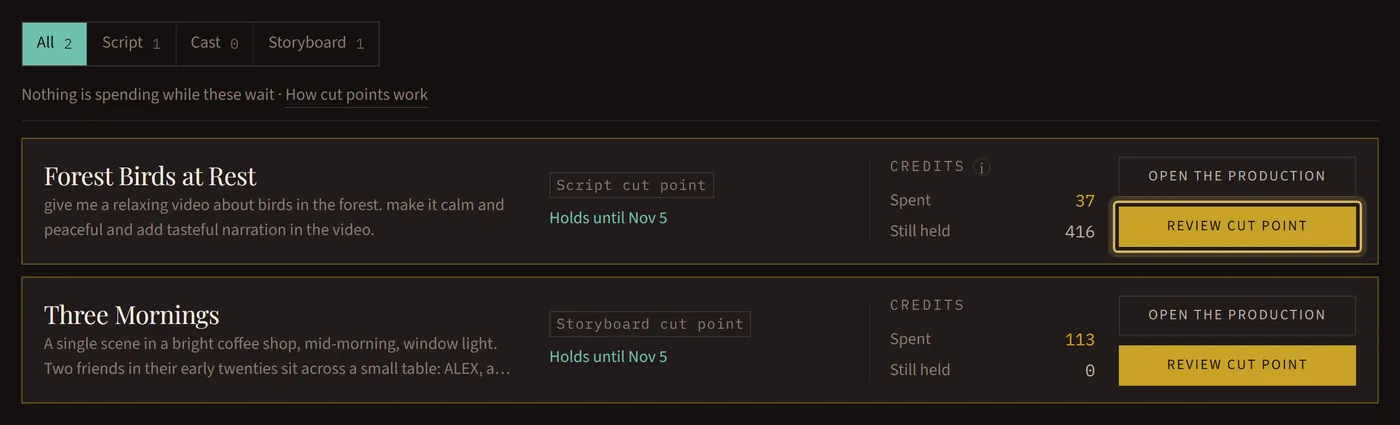
We email you when a film stops for you. In the studio, Cut Points lists every film that’s waiting, which cut point it’s at, and the date it holds until. Press Review cut point to open one.
Look through it
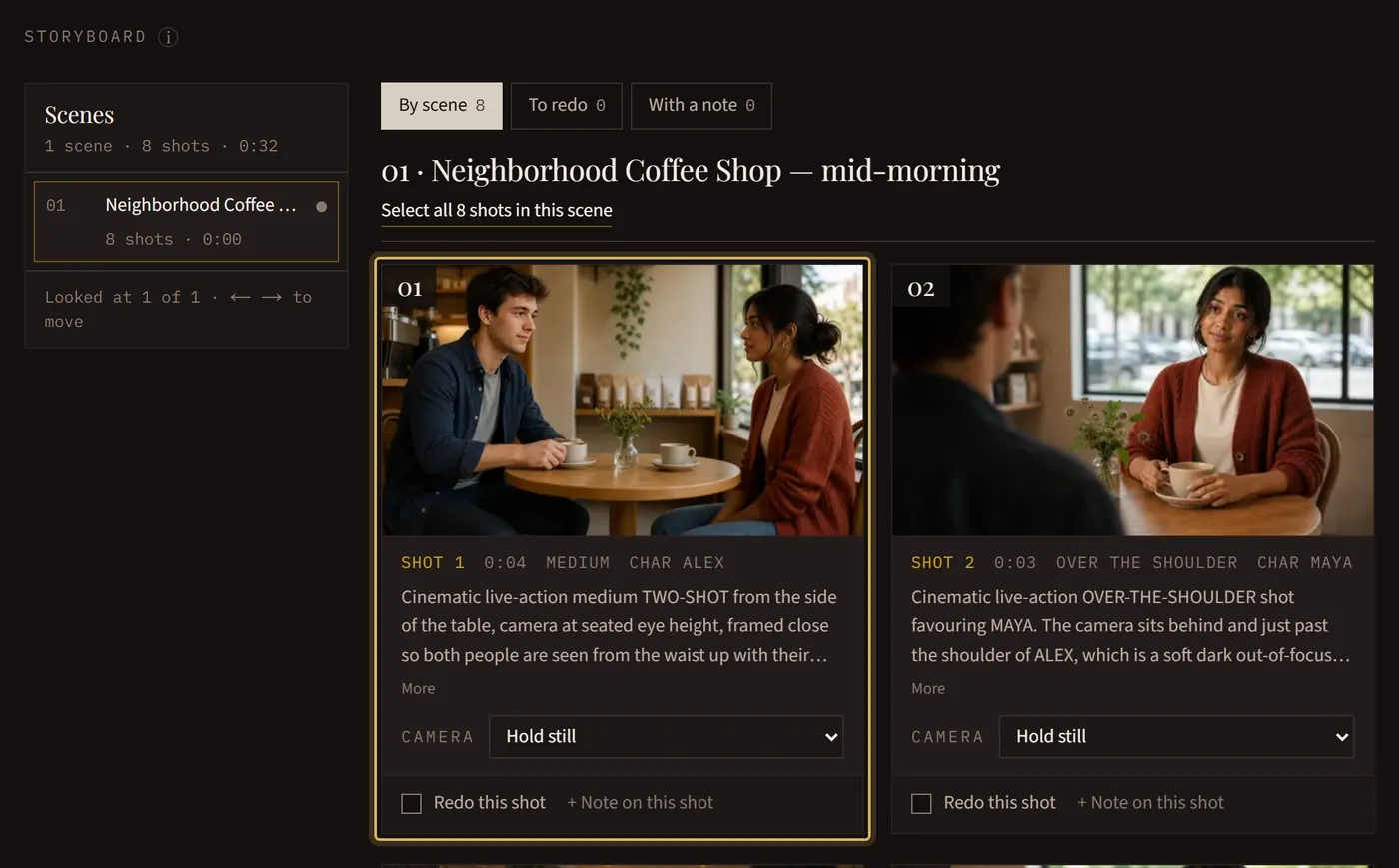
Move through the film scene by scene, or person by person for the cast. A filled dot marks what you’ve looked at. On any cut point, Help → Tour this page walks you round every button.
Keep it and go on
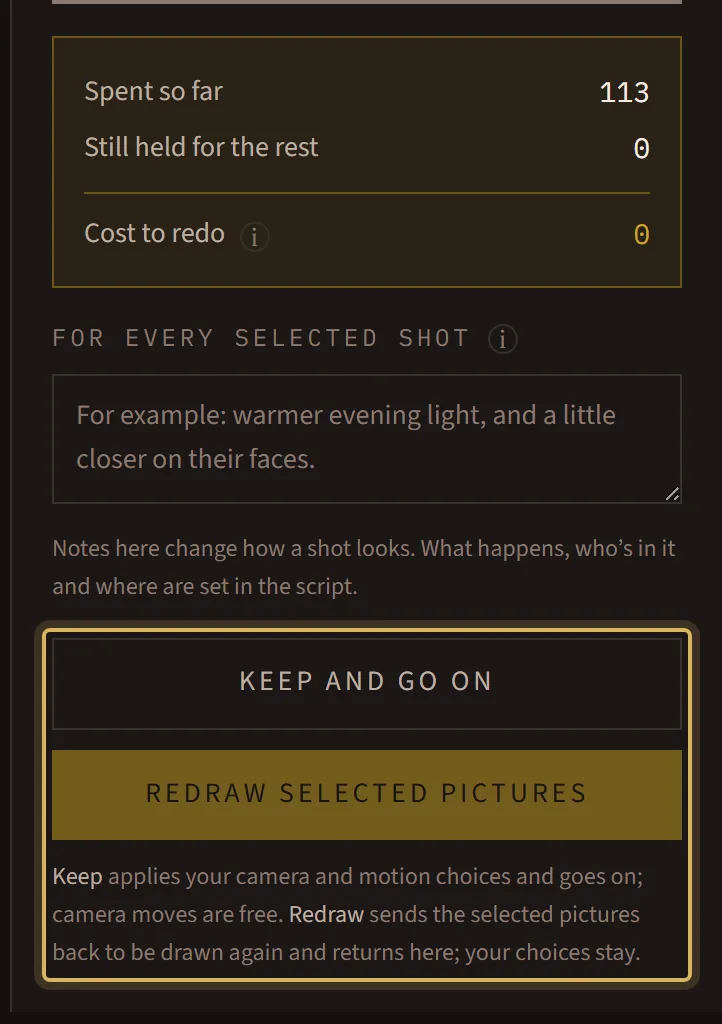
If you like what you see, press Keep and go on. It asks you first, because what you keep can’t be changed afterward: the cast and the storyboard are drawn from the script, and the film from the storyboard.
Or ask for changes
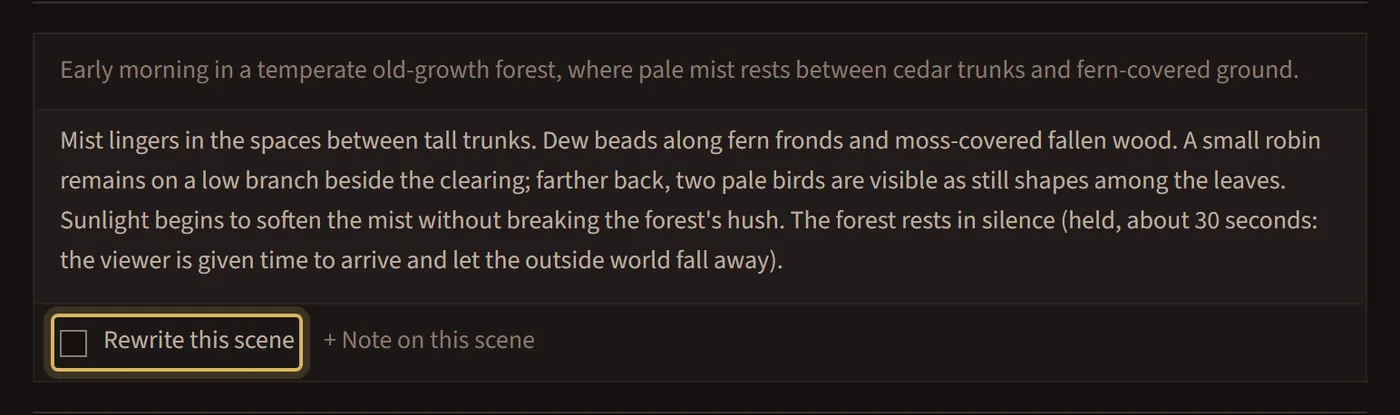
Select what you want changed (Rewrite this scene, Redraw this picture or Redo this shot) and add a note saying what you’d rather have. Only what you selected is changed; everything else stays exactly as it is.
See what a change costs
The panel shows the cost to redo before you confirm. A script rewrite is one small price however much you change; redrawing pictures costs more the more you select. Credits are set aside when you confirm, you pay only for what it uses, and the film comes back to the same cut point for another look.
Free changes at the storyboard
Changing a shot’s camera move is free. Where real footage was found, Use this instead switches to another clip for free. In a Mixed film you can also turn a still shot into a moving one with Turn to motion, which shows its extra credits first.
Take your time
A film at a cut point costs nothing while it waits. If nobody decides within 14 days, it closes: you’re charged only for what was made, the rest comes back, and its files are deleted.