On this page
Guide 7 of 11
Subtitles and Caption Files
Your film’s spoken words can be shown two ways, and you can have both.
Two ways to show the words
Subtitles are drawn into the picture, so they’re always on, even on a phone with the sound off. Caption files sit beside the film as small text files, and viewers can turn them on or off in their own language.
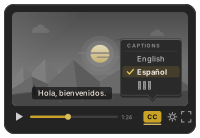
Turn subtitles on
In the setup, open Subtitles and switch them on. They’re made from the film’s spoken words, so they need Voice on.
Choose how they look
Pick how the words appear (a full line, read-along, a highlighted word, words that build up, or one word at a time), then the style, the size, the highlight color and the animation. The preview follows every change.
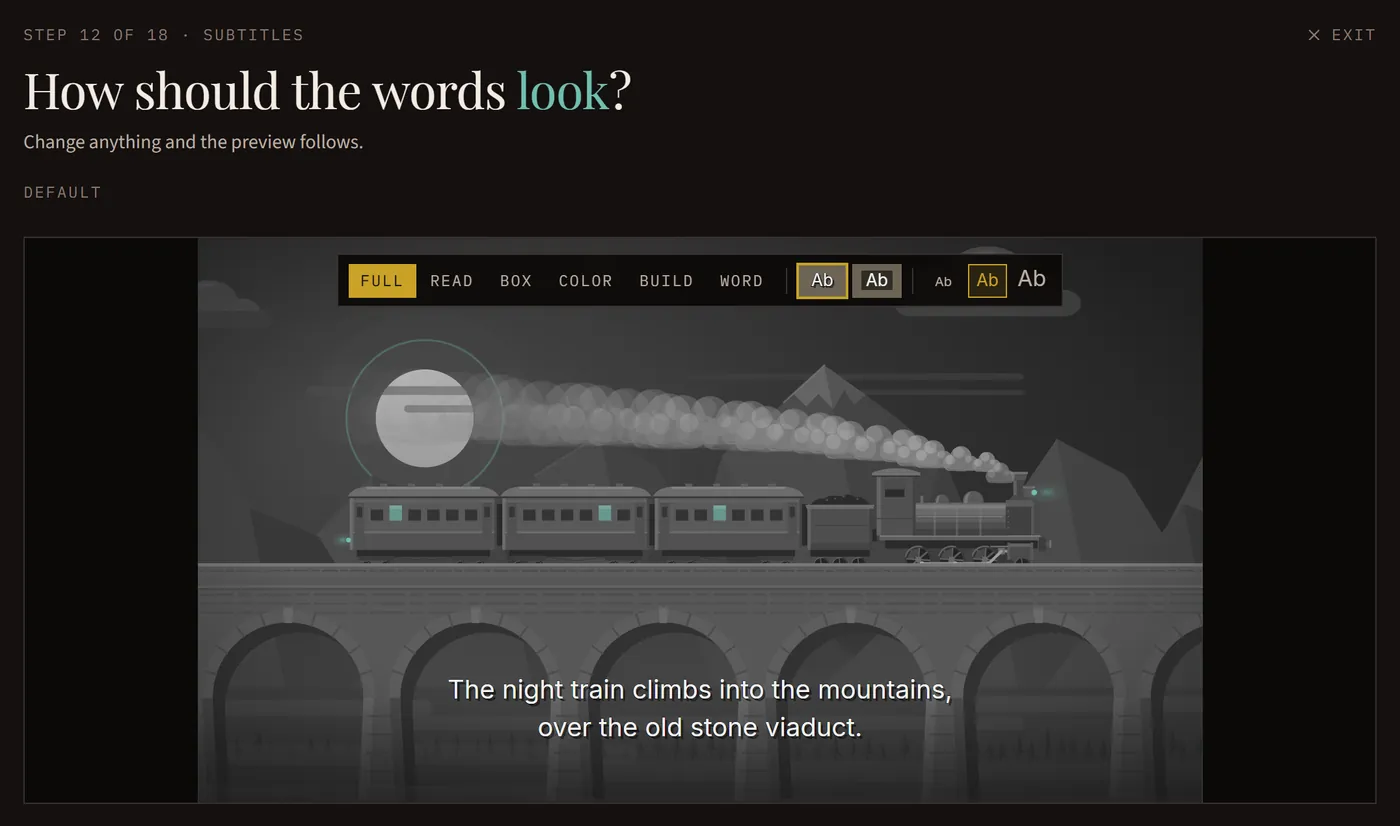
Pick the language drawn in
The words drawn in are in your film’s language unless you pick another. The word-by-word looks need the film’s own language, because their timing comes from the spoken words.
Add caption files
Choose any of 60 languages under Caption files. Each one comes as both .srt and .vtt, ready to upload. Translations are machine-made, and the download says so.
A copy with no words on it
A film with subtitles also comes as a second copy, Without subtitles: the same film with no words drawn in, to pair with a caption file.
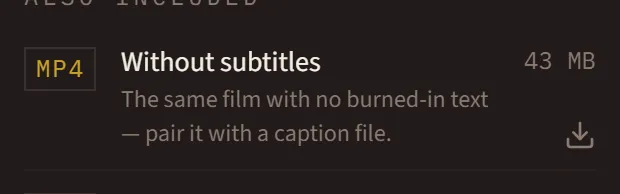
Upload them with your video
On YouTube, Vimeo or a course site, upload the caption file next to your video. Viewers can then switch captions on, in their own language.