On this page
Guide 1 of 11
Make Your First Film
This guide takes you from an empty page to a finished film. In a few minutes it walks you through your first one, and leaves you ready to make the next on your own.
Add credits
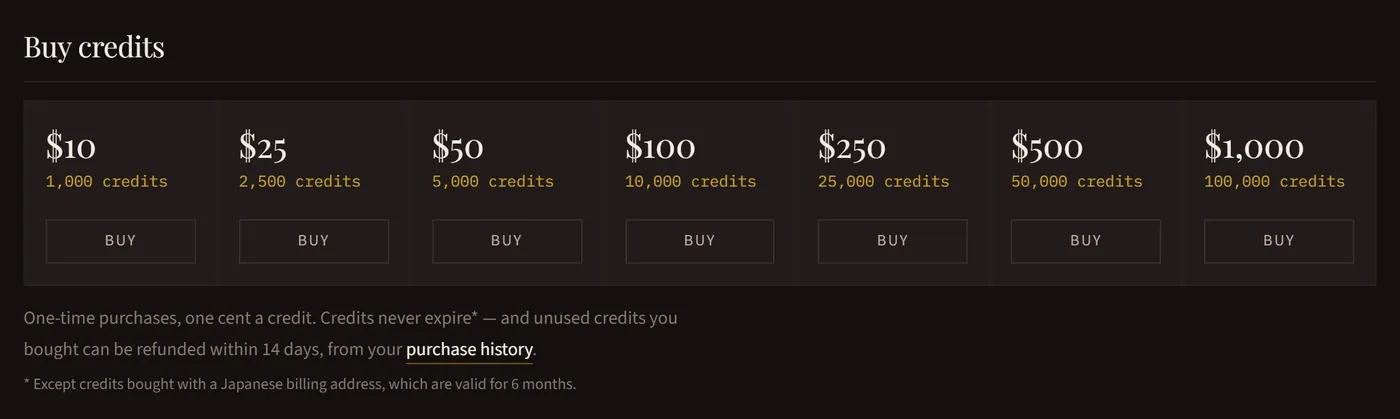
Open Billing and press Add credits. One credit is one cent. Confirm your email address first: the link is in the email we sent when you signed up.
Open New production
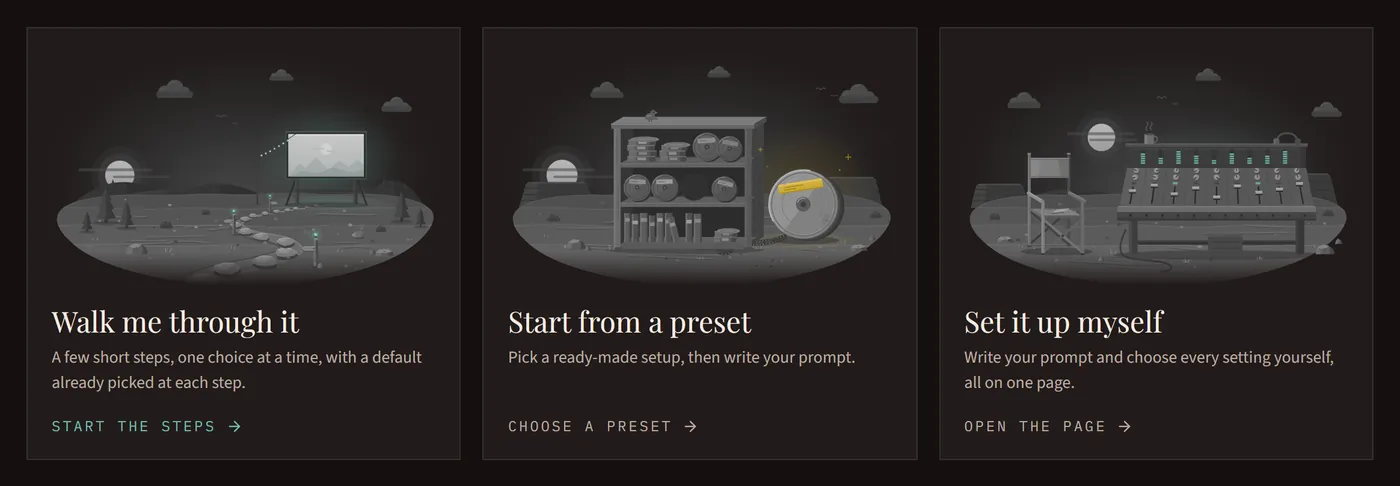
Press New production in the menu and choose how to set your film up: Walk me through it asks one question at a time, Start from a preset begins from a ready-made setup, and Set it up myself puts every setting on one page.
Choose how it’s made
Pick Moving stills, Mixed or Full motion. It’s the biggest choice for the price: Moving stills brings still pictures to life, Full motion films every scene in motion, and Mixed does both. Set Up Your Film explains every setting.

Write your prompt
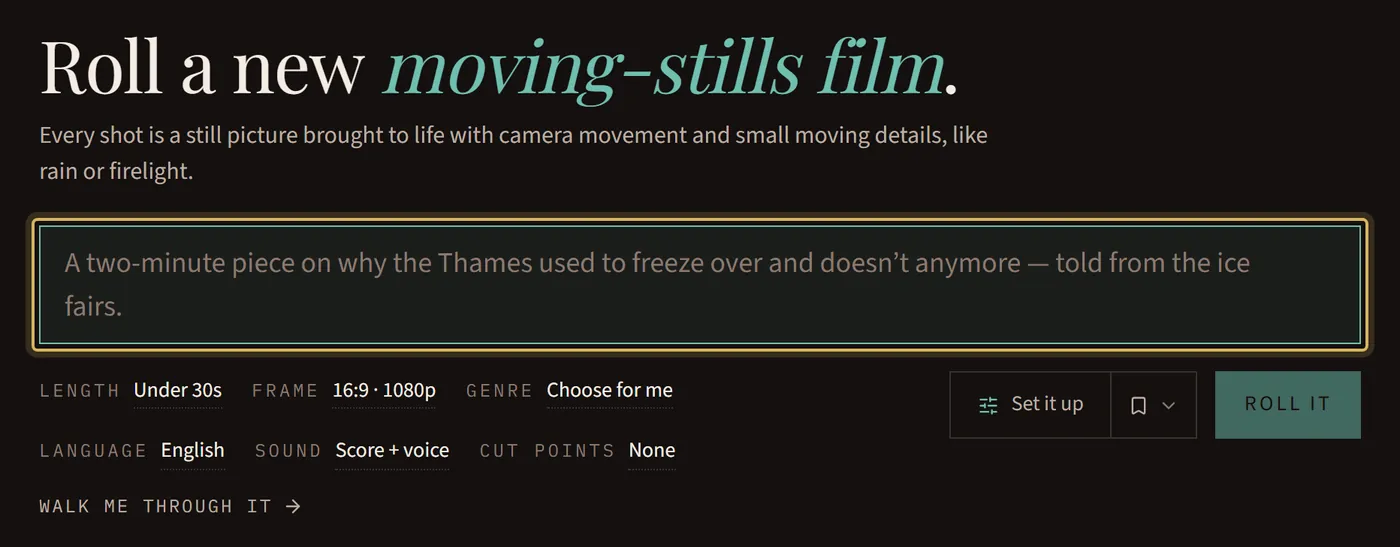
Describe what your film is about. It can be as simple as one sentence or as detailed as you like, up to 20,000 characters. Write a Good Prompt has tips.
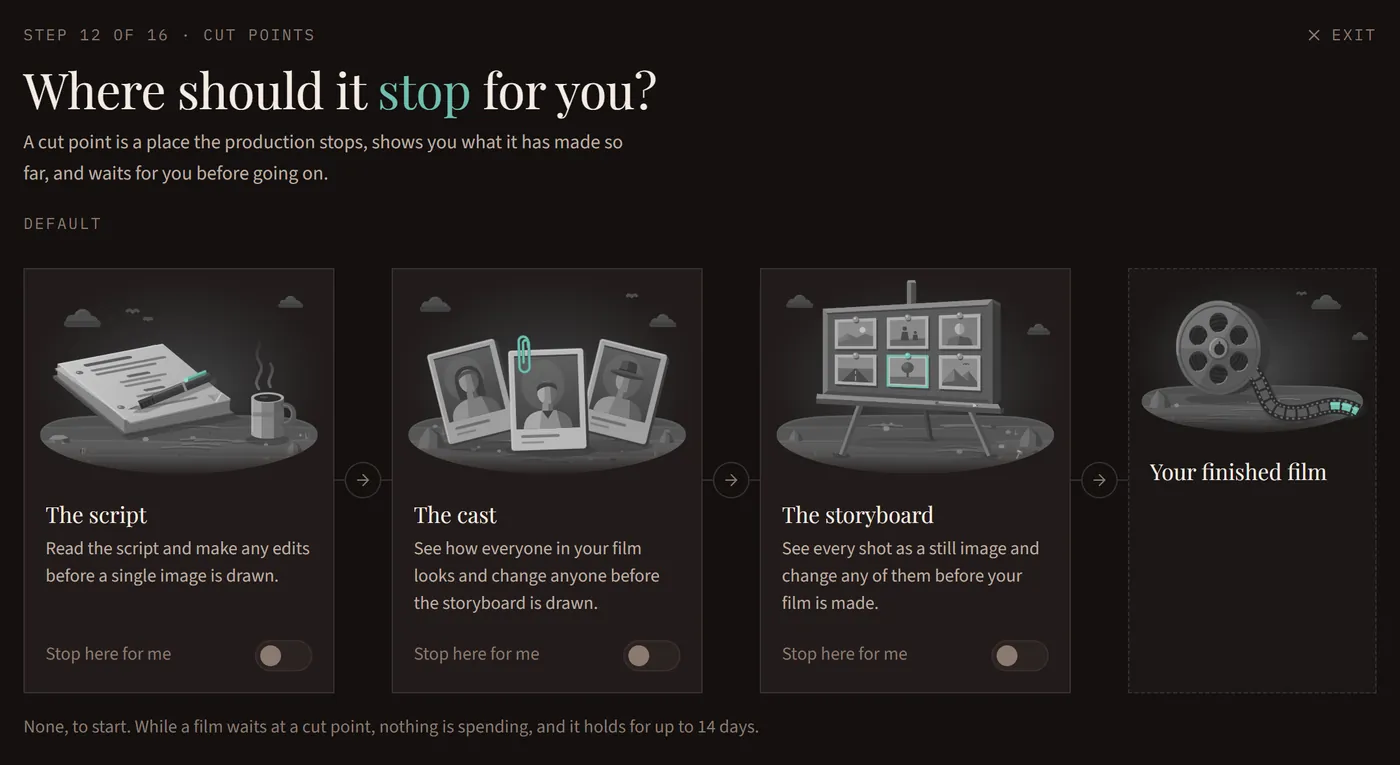
Choose where it stops for you
This one is optional. A cut point stops the film so you can check it: the script, the cast or the storyboard. Turn on the storyboard cut point to see every picture before the voices, motion and music are made. While a film waits, nothing is spending.
Press Roll it
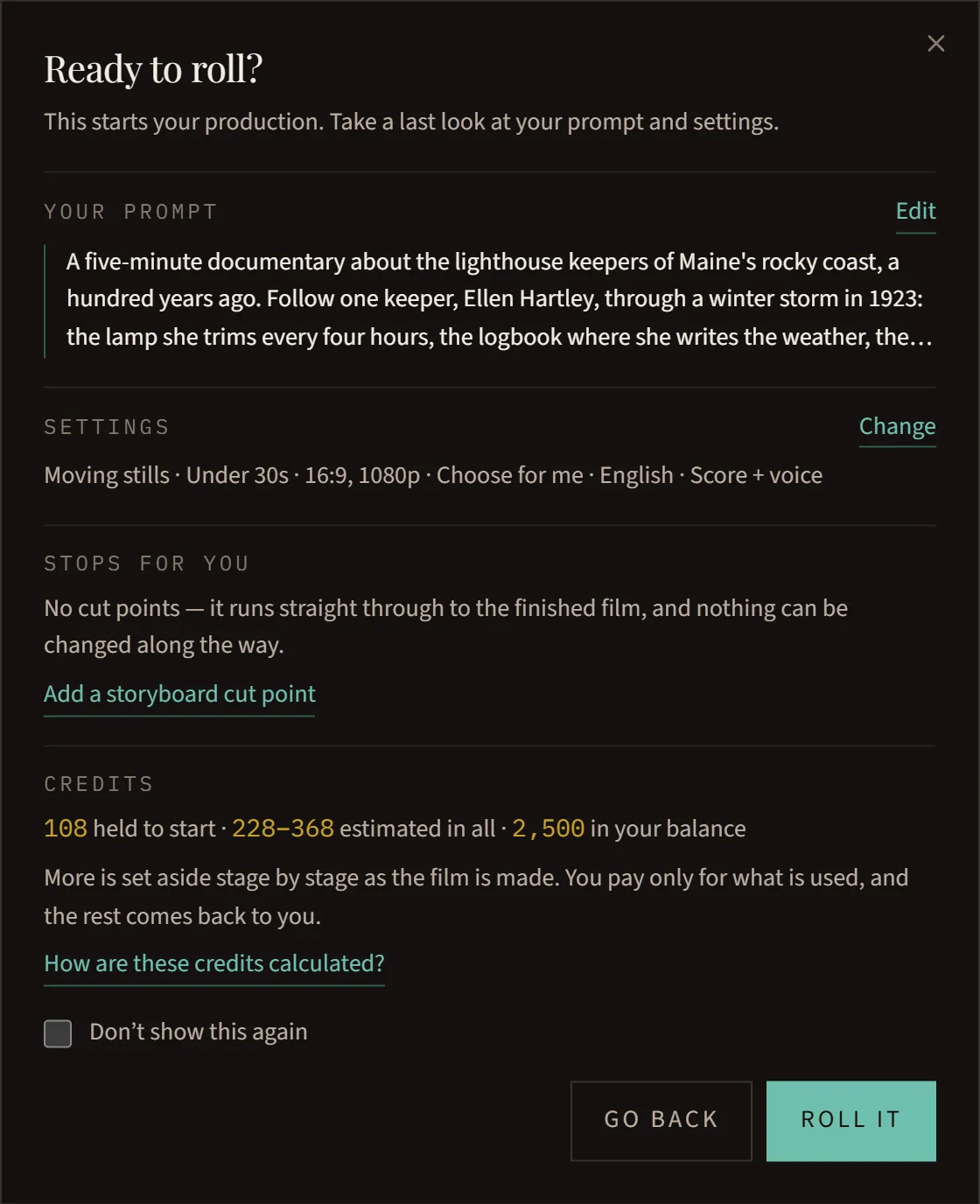
Press Roll it. You’ll see a summary of your choices to confirm before anything starts, and then the page shows your film being made, step by step.
Come back when it’s ready
You can leave the page: your film keeps going, and you’ll find it under Rolling. We email you when it stops at a cut point and when it’s done.
Watch it and download it
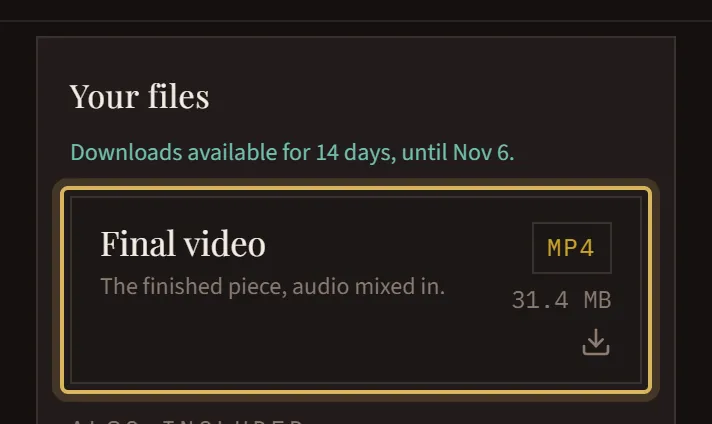
Open it from Productions. Once it’s finished, your film plays right on its page, and every file that comes with it is under Your files. Your Downloads explains each one.