On this page
Guide 6 of 11
Voices and Languages
Your film can be made in any of 55 languages, whatever language you use the studio in. The studio’s own pages come in 56 languages, set in Account Settings.
Pick the film’s language
A new film starts in your account’s language. To make it in another, pick that language when you set up the film, or choose From your prompt to make it in the language you write your prompt in.
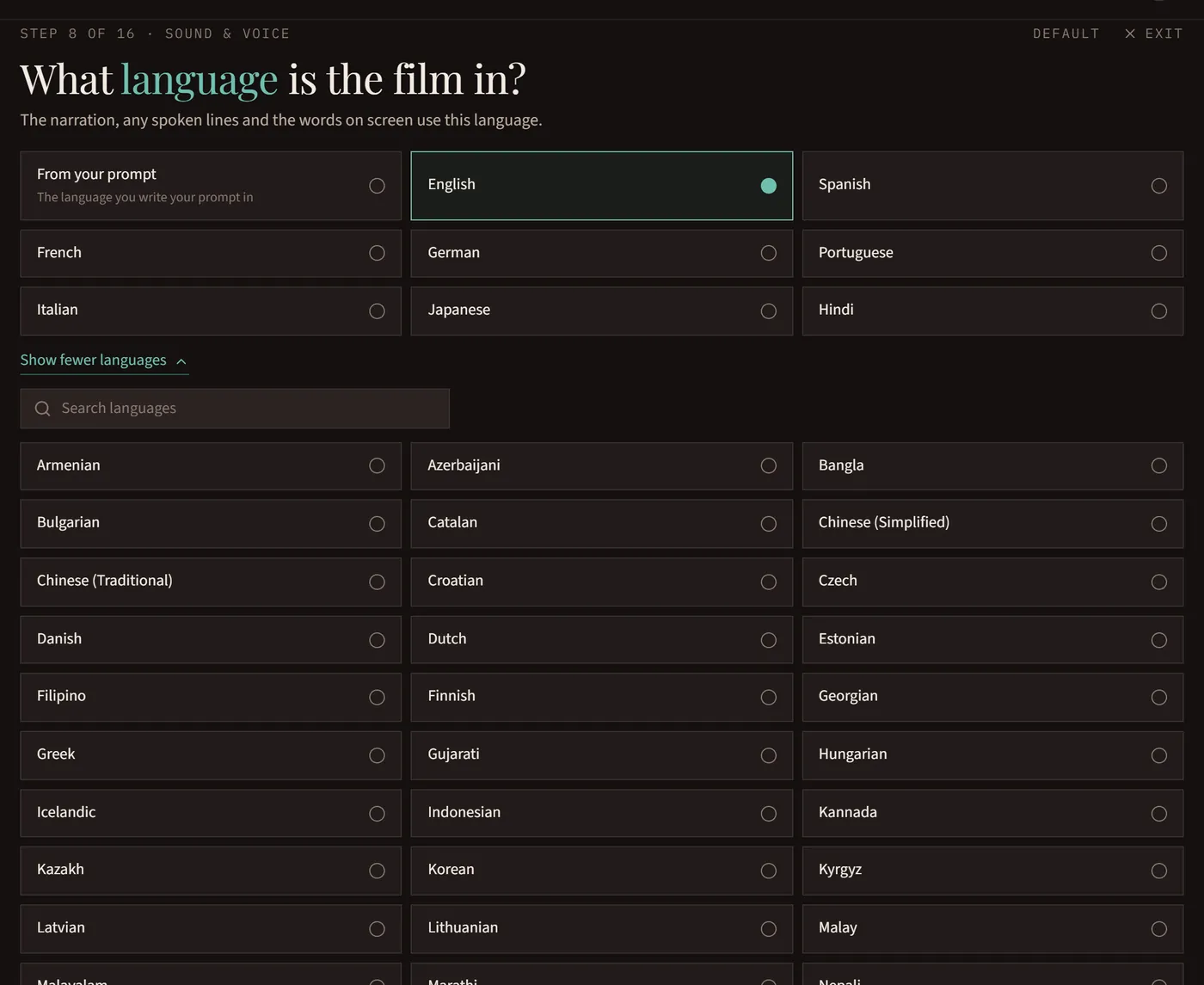
If the two don’t match, we ask
If your prompt is written in one language and the film is set to another, Roll it asks which one you want before anything starts.
Listen to the voices
In the Voice step of Walk me through it, or the Sound & voice section of the setup window, press play on any voice to hear it. Group them by gender, age or accent to find one faster.
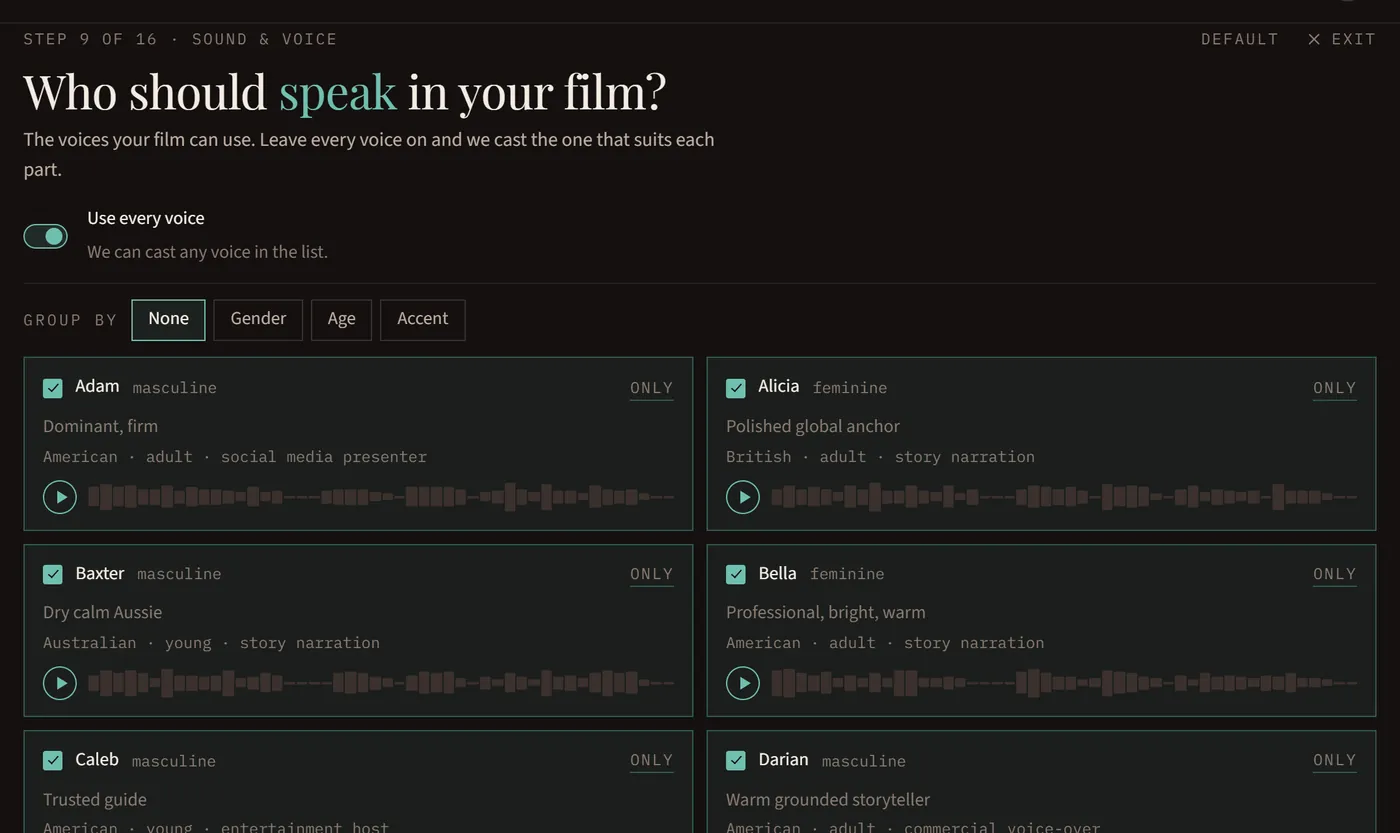
Choose who may be cast
Leave every voice on and the studio picks the best voice for each part, from how the script describes them. Untick voices to rule them out, or press Only to use one voice for the whole film.
Characters who speak on camera
In Full motion and Mixed, a character who speaks on camera is filmed speaking, with their lips matching the words. There’s nothing to switch on. In Moving stills, turn on Talking characters to move their mouths and add blinks, drawn in your film’s style; leave it off and their lines are heard over the picture.
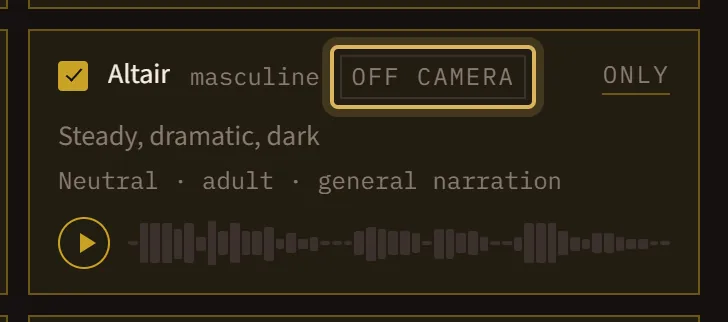
When a voice says Off camera. That voice can narrate and speak over the pictures, but it can’t be a character we see talking. You’ll only see this in Mixed and Full motion films: a few voices always, and others at 1080p or in some languages. Leave every voice on and the studio picks one that can talk on screen. If you keep only Off camera voices, those characters’ lines are heard over the picture instead.
A film with no voice
Turn Voice off and the film is told with pictures and music only. Its title and any words on screen are still in the film’s language.