On this page
Guide 2 of 11
Set Up Your Film
Every film is built from specific settings. Choose them one at a time with Walk me through it, or all on one page with Set it up myself. Each one starts on a sensible default, so you change only what you care about.
Pick how to set it up
On New production, Walk me through it asks one question at a time with a default already picked, Start from a preset begins from a ready-made setup, and Set it up myself opens the page with every setting.
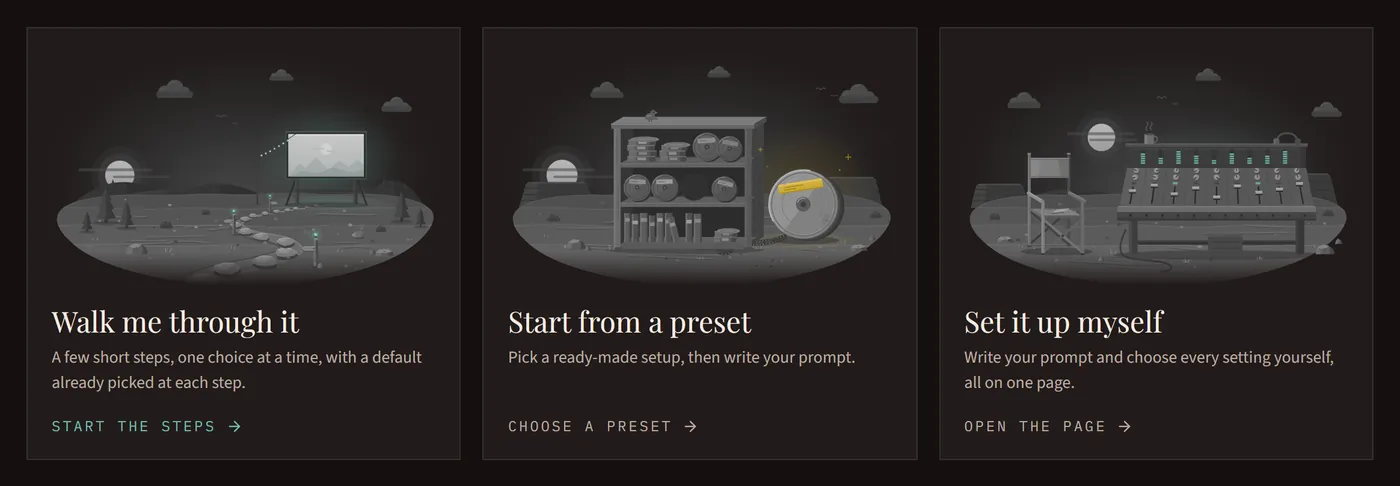
Set it up myself
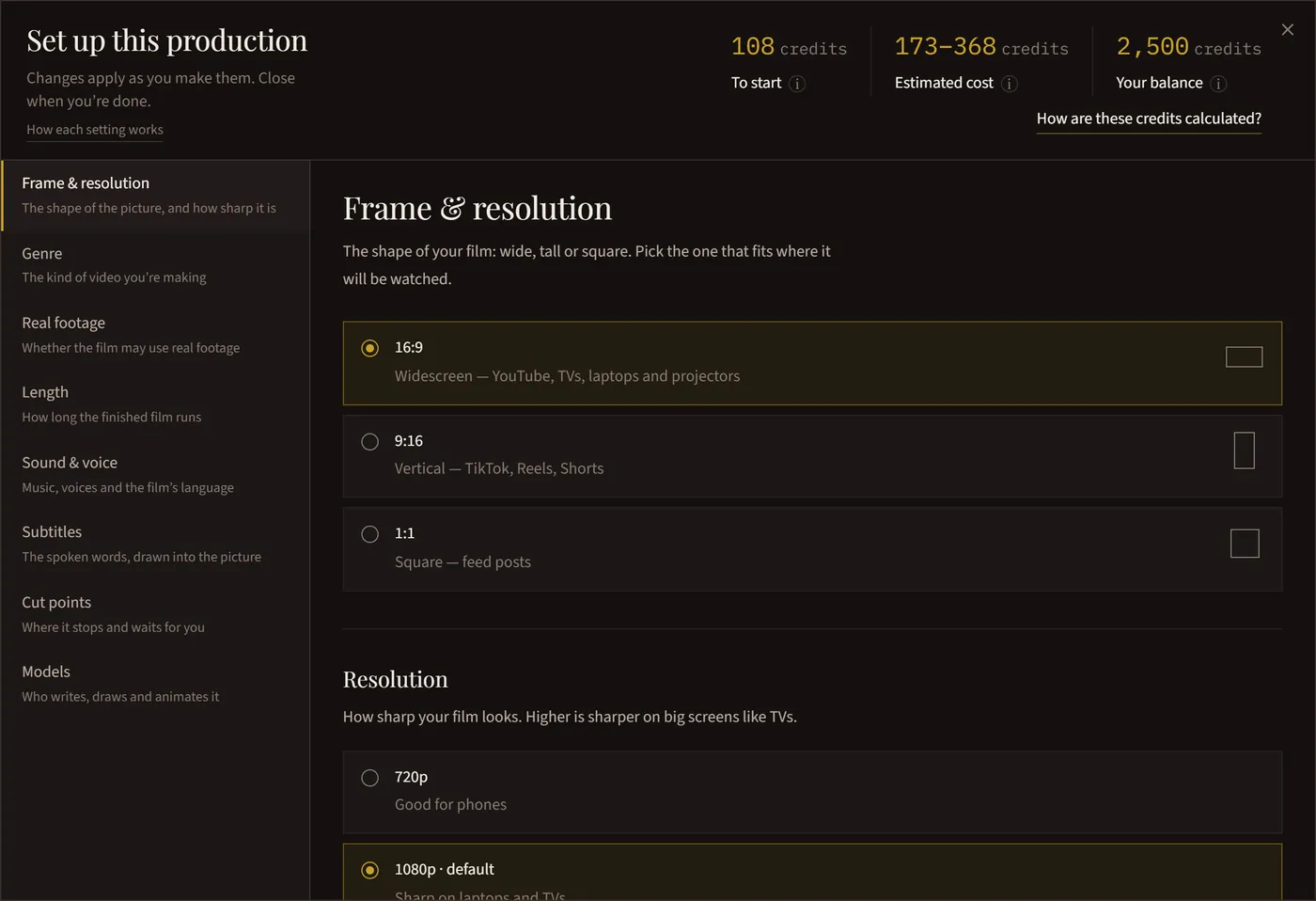
Prefer to see everything at once? Set it up myself opens the page with your prompt and every setting. Press Set it up for the setup window: a section for each setting down the left, in the same order as Walk me through it, and the estimated cost of the whole film at the top. Every change applies as you make it, so there’s nothing to save.
How it’s made
Moving stills: every shot is a still picture brought to life with camera movement and small moving details, like rain or firelight. Full motion: every scene plays out in motion, and people can speak on camera. Mixed: both in one film, where the action moves and places and quiet moments are held. In Mixed, Amount of motion sets how much of the film is in motion.

Length
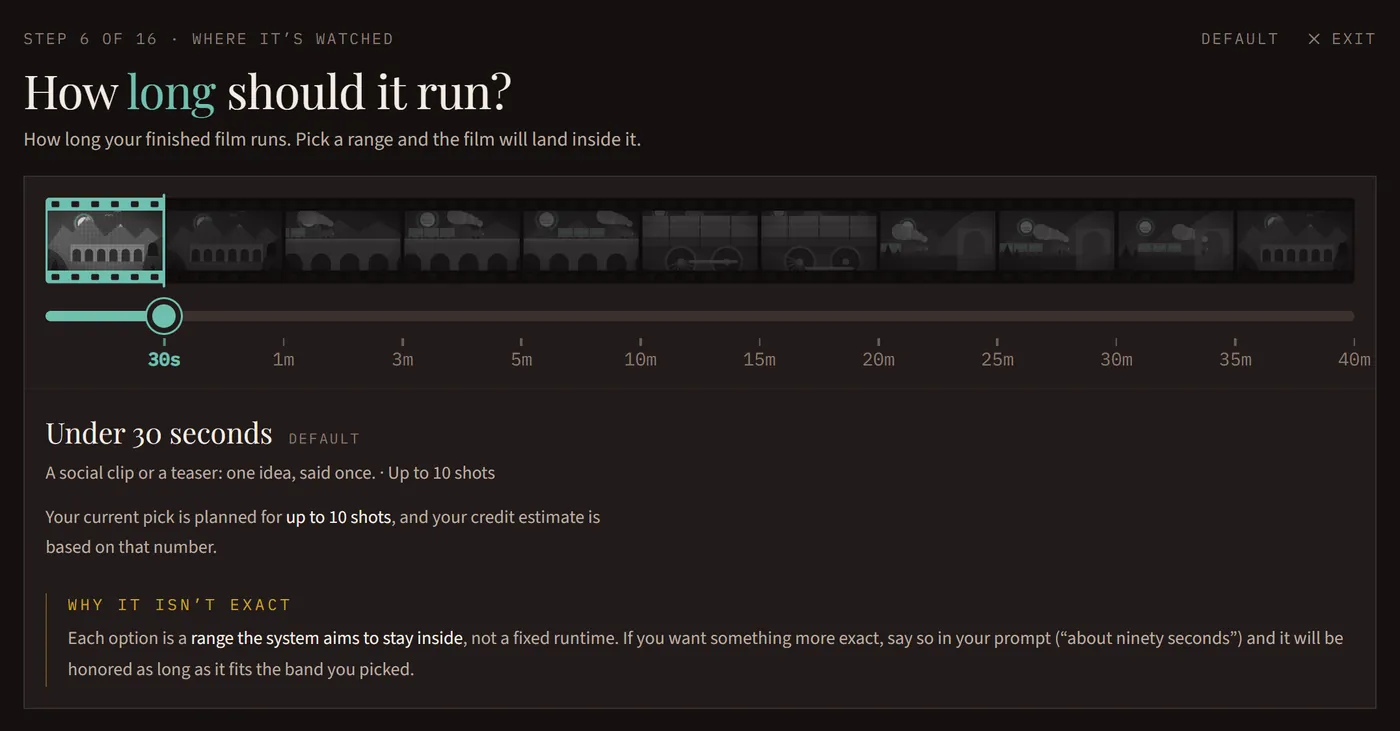
Pick a range, from under 30 seconds up to 35–40 minutes, and the film will land inside it. To ask for an exact length, say it in your prompt.
Frame and resolution
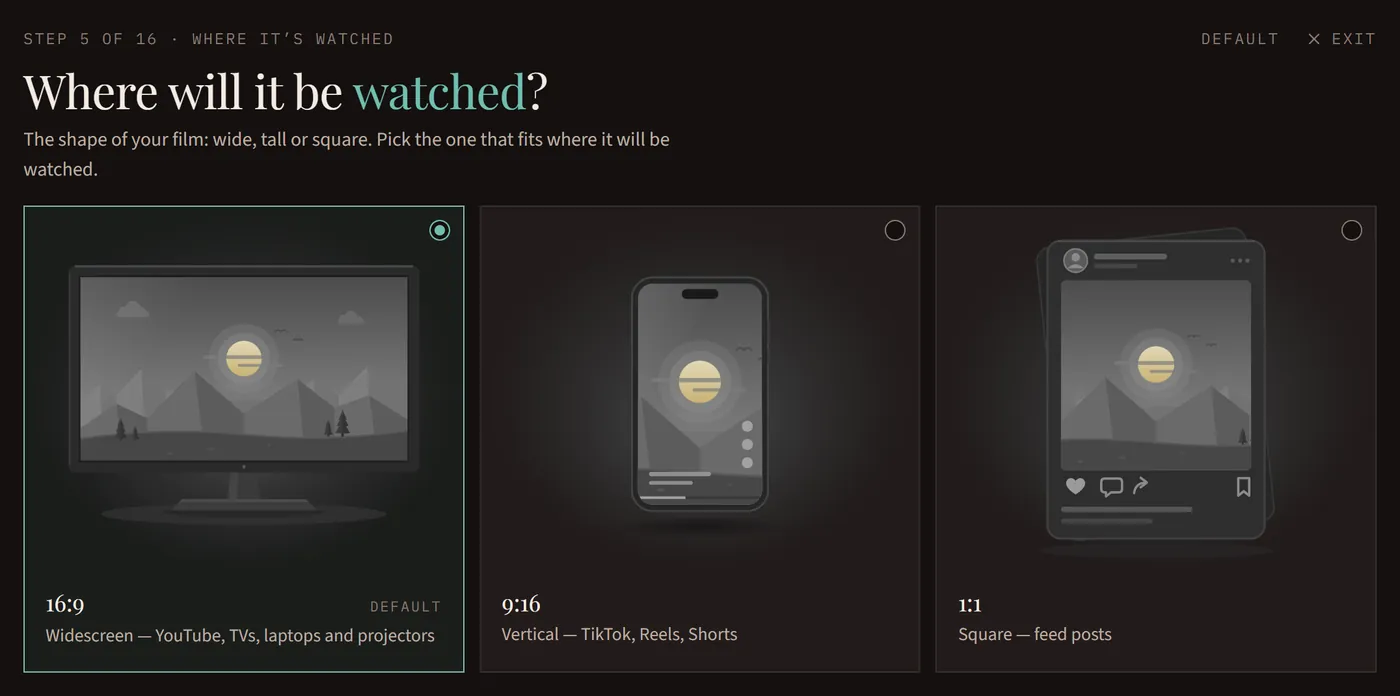
The frame is the picture’s shape: wide for YouTube, tall for TikTok, Reels and Shorts, or square for feed posts. It can’t change once the film starts. The resolution is how sharp it is: Moving stills goes up to 4K, and Mixed and Full motion are made at 720p or 1080p. Every resolution is the real one, never stretched.
Genre and real footage
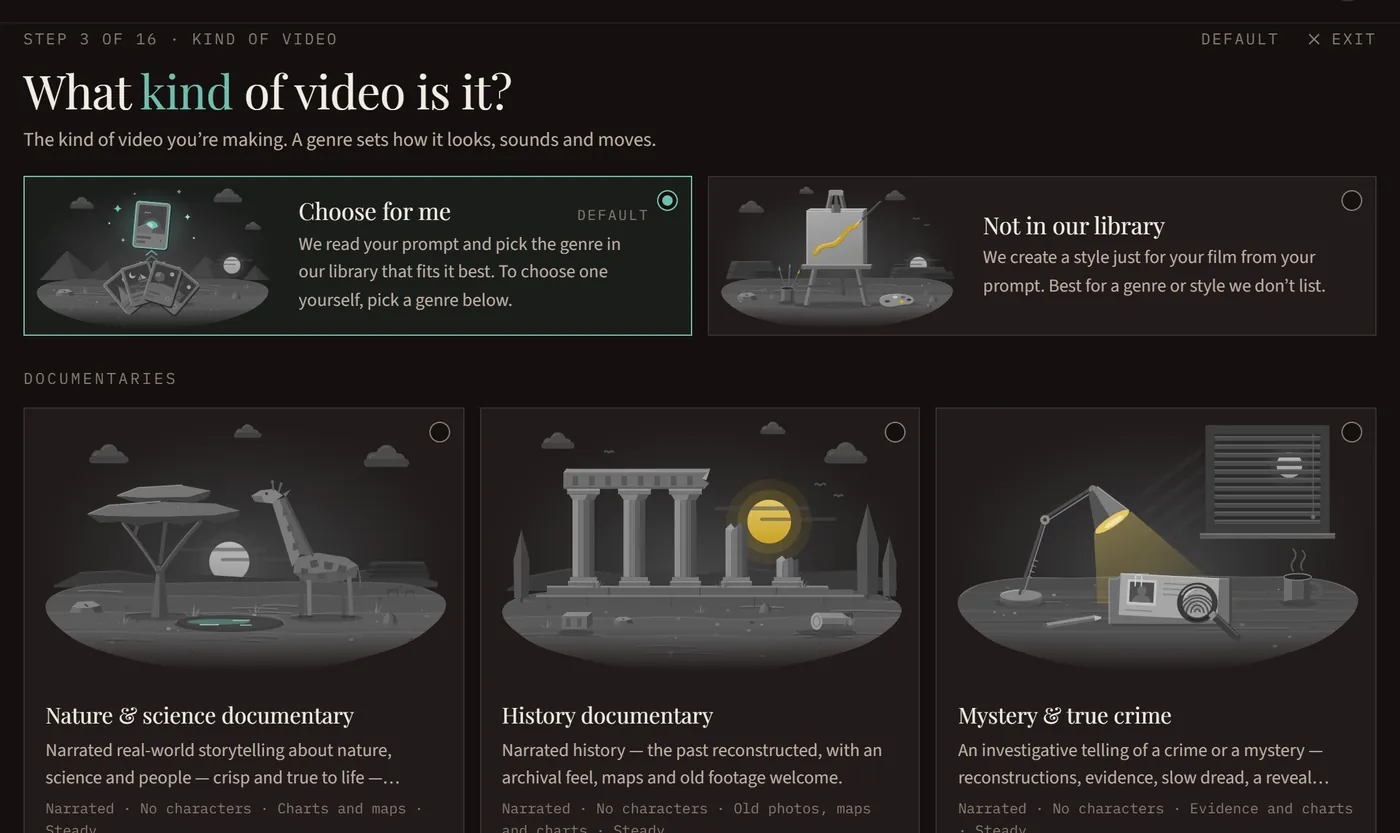
A genre sets how the film looks, sounds and moves. Our library has 18 genres, and 15 of them are made in Moving stills. Leave it on Choose for me and we pick the one that fits your prompt, or choose one from the library (About this genre shows what it makes), or Not in our library to have a style made for your prompt. Real footage lets some shots use real public-domain film instead of being made for you.
Sound, voices and language
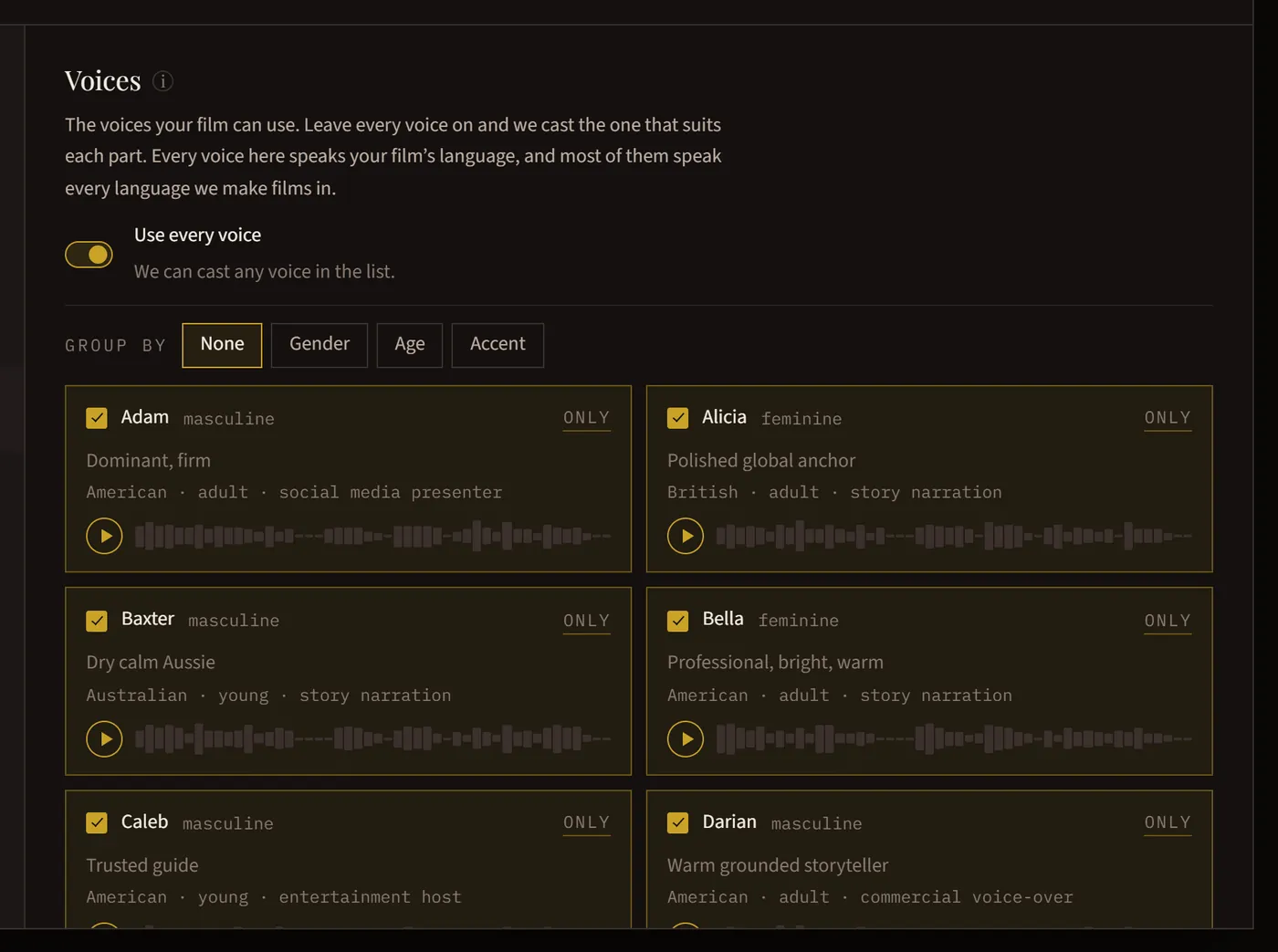
Score is original music; Voice is the narration, and it sets the timing of everything else. Choose which voices may be cast and the film’s language: Voices and Languages has more.
Subtitles
Show the spoken words on screen, in the look you choose, and add caption files in other languages. Subtitles and Caption Files explains both.
Cut points
Choose where the film stops and waits for you: at the script, the cast or the storyboard. None are on to start. Review Your Film at a Cut Point shows what you can do at each one.
Models
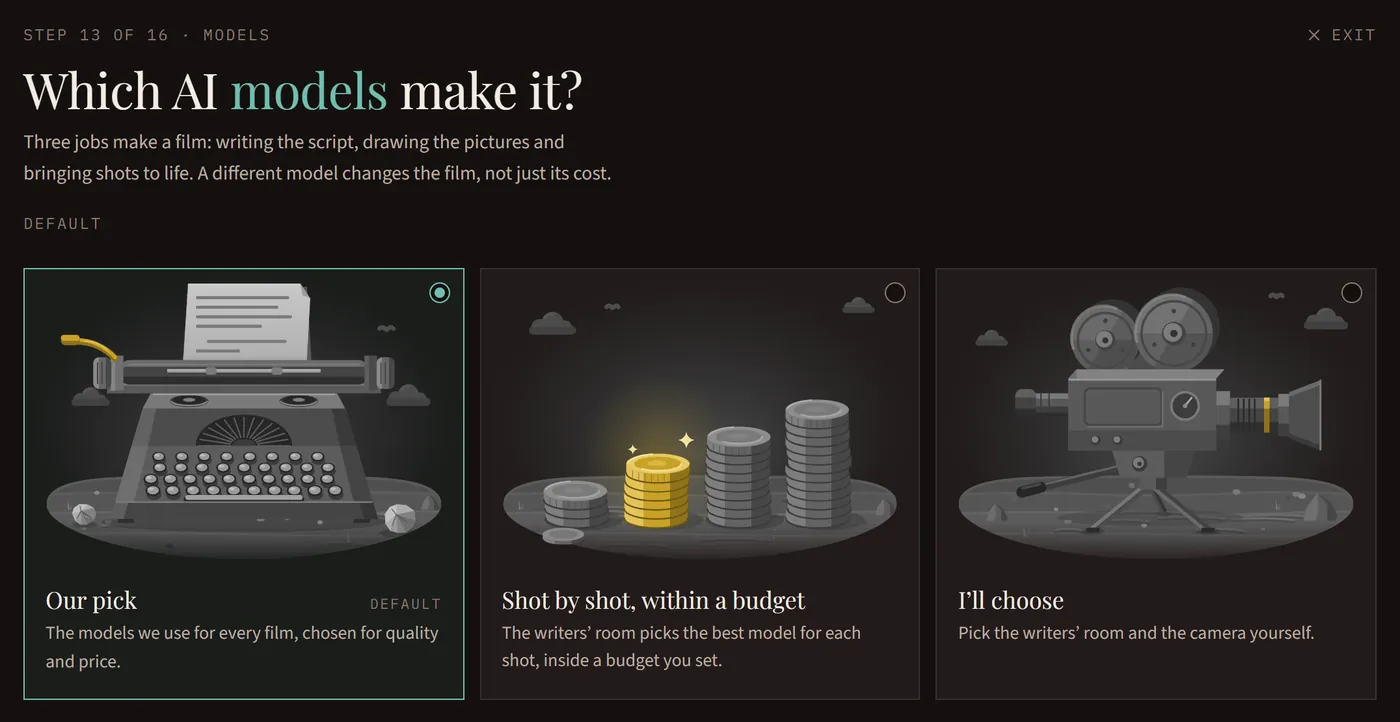
Our pick uses the models we use for every film, chosen for quality and price. Shot by shot, within a budget lets the studio pick the best model for each shot, inside a budget you set. I’ll choose lets you pick them yourself. A different model changes the film, not just its cost.
Save it as a preset
Like this setup? Save it as a preset, and next time pick it under Start from a preset to go straight to your prompt.